Grooming Workflow Guide for Pet Salons: Step-by-Step System
July 14, 2026
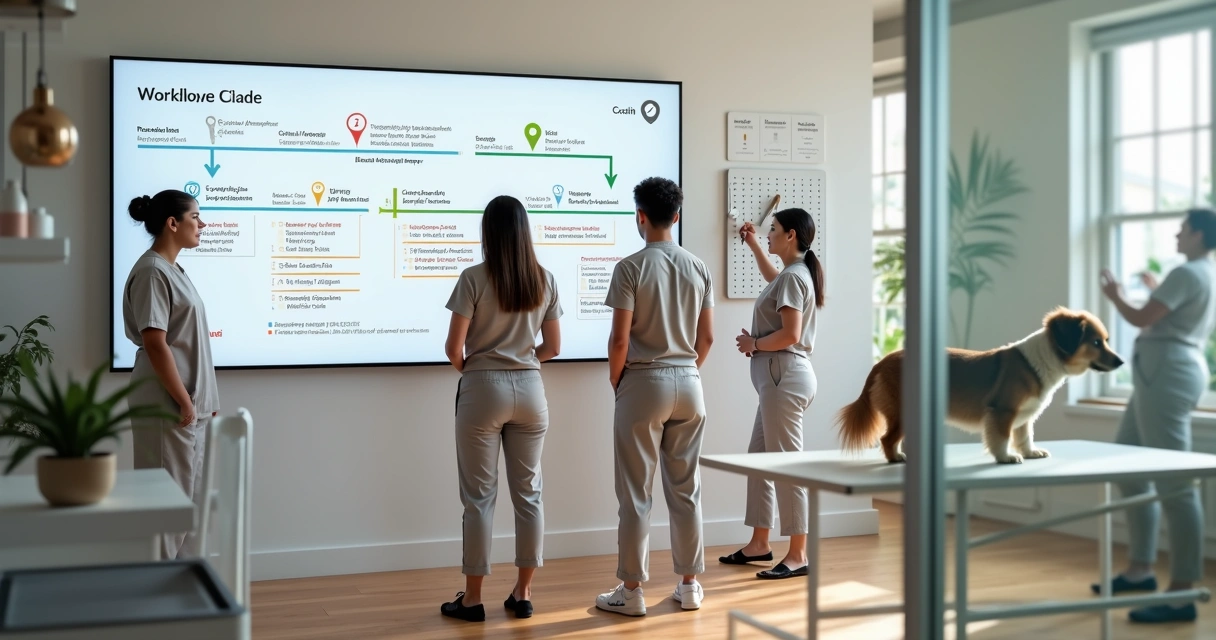
In my experience, a pet salon runs better when every task has a place, a time, and a clear owner. That is the heart of a good grooming workflow guide. It is not just about bathing and brushing. It starts at first contact with the client and ends only when payment is closed, notes are saved, and the next visit is set.
I have seen many pet businesses lose time in small gaps. A missing vaccine record. A rushed handoff between front desk and groomer. A late pickup that disrupts the next booking. These problems look minor. They are not.
A strong grooming process reduces mistakes, speeds up service, and gives pet owners more trust.
This matters even more now because the market is large and still growing. According to sales of pet care services doubled over the decade ending in 2017, with many establishments offering grooming and boarding. I think that growth makes process discipline a business need, not just a nice extra.
Why workflow matters from the front desk to checkout
When I talk with salon owners, one pattern appears again and again. They usually think the grooming table is where service quality is won or lost. It is part of it, yes, but I think the front desk often sets the tone before the dog ever enters the bath area.
A well-built flow helps with:
- Faster intake and fewer repeated questions
- Clear service notes for each pet
- Better staff coordination during busy hours
- Fewer missed add-ons and payment issues
- Cleaner records for daycare and boarding cross-service clients
Some software tools handle only pieces of this. I have noticed that disconnected apps can create more manual work. That is why platforms like Buddyz stand out. Instead of splitting scheduling, pet records, team management, and payments across separate tools, it brings them together in one place. For pet businesses, that can remove a lot of friction.
Order creates calm.
Stage 1: Client intake and first contact
The grooming journey starts before the appointment is booked. I like to treat intake as a data gathering stage. If done well, it saves time later and protects the pet.
Client intake should capture both owner details and pet-specific care needs in one record.
At this point, I suggest collecting:
- Owner name, phone, email, and pickup contact
- Pet name, breed, age, weight, and temperament
- Health alerts, allergies, skin issues, and mobility limits
- Vaccination status for salons that also offer daycare or boarding
- Coat condition, grooming history, and style requests
I once saw a salon write matting notes on a sticky note and allergy notes in a paper file. It worked until it did not. The dog came back six weeks later, with a different groomer on shift, and no one saw the old warning. That is the kind of issue digital pet profiles prevent.
For businesses that want better structure, reading about pet business operations through the author archive can help connect daily tasks to bigger process choices.
Stage 2: Appointment scheduling and service matching
Once intake is clear, booking becomes much easier. I think this stage should never be just finding an open slot. It should match the right service length, staff skill, and pet needs.
Best practice is to standardize service categories first. For example:
- Bath and brush for short coat dogs
- Full groom with haircut for long coat breeds
- De-shedding add-on
- Nail trim, ear cleaning, and teeth brushing
- Boarding exit bath or daycare freshen-up service
When these services have preset durations, pricing rules, and staff requirements, booking errors drop. A front-desk worker should not need to guess whether a senior doodle with matting needs 90 minutes or 3 hours.
Scheduling works best when services are standardized and tied to time, price, and groomer skill level.
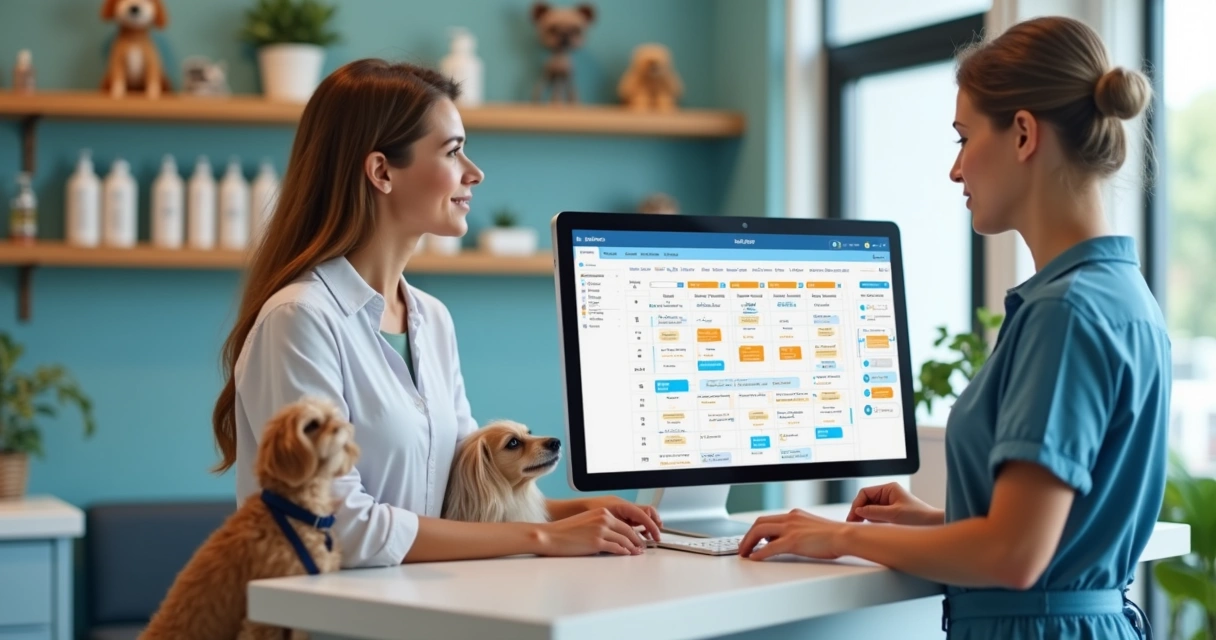
Buddyz helps here because it lets teams track appointments, pet profiles, and operations in one system. That means the booking screen can reflect real business needs instead of acting like a plain calendar.
If you want examples of how service content can be organized for different audiences, I suggest looking at this related post example and another content example.
 Stage 3: Pet records and pre-groom check-in
When the pet arrives, the team should confirm details, not start from zero. This is where many delays happen. Owners are in a hurry. Staff are juggling phones. Notes get skipped.
I recommend a short check-in checklist.
- Confirm service package and add-ons
- Review pet behavior and health changes since last visit
- Check coat condition and note matting or skin issues
- Set pickup estimate and communication preference
- Capture photo notes if the coat condition is severe
For salons that also run daycare or boarding, this stage gets even more useful. A pet may arrive after a weekend stay and need a bath before pickup. If records are connected, staff can see feeding notes, behavior changes, and health alerts without asking the owner to repeat everything.
Digital recordkeeping helps teams act on current facts instead of memory.
I also think clear pickup windows reduce stress. A vague “afternoon” often causes crowding at the desk. A better choice is a set range, plus a text when the pet is nearly ready.
Stage 4: Grooming procedures and task standardization
This is the service core, but it should still follow a repeatable system. I prefer a simple grooming sequence that can be adjusted by coat type or pet condition.
- Pre-service visual assessment
- Bath and coat-specific shampoo selection
- Drying with safety checks
- Brushing, de-matting, or de-shedding as approved
- Haircut or trim based on style notes
- Nails, ears, sanitary trim, and finishing steps
This order is easy to train and easy to review. It also makes quality control easier when a groomer needs help midway through the job.
I have seen salons improve consistency by adding mini checklists to each service type. For example, a full groom card might include blade length notes, face shape preference, tail style, and any “do not do” requests from the owner.
Some business owners compare all-in-one systems with niche tools in the market. In my view, Buddyz is the better option because it supports not just the grooming task itself, but the whole business flow around it, which is where many service issues begin.
Stage 5: Staff assignment and handoffs
Even skilled teams struggle when work is assigned loosely. One groomer may be overloaded while another has a gap. One bather finishes early, but no one updates the status. Then the front desk tells the owner the wrong pickup time.
Good staff assignment depends on real-time status updates, not hallway conversations.
I suggest assigning work based on:
- Breed size and coat complexity
- Temperament and handling needs
- Groomer skill level and speed
- Add-on services and time load
- Same-day daycare or boarding connections
This is where integrated software helps a lot. If the front desk, groomers, and managers all see the same live status, handoffs become clear. Buddyz supports that kind of visibility across scheduling, staff, and service progress. I think that is one reason it fits growing pet service businesses so well.
If you want more structured examples on service flows, I would also point to this workflow-related post example. And for teams trying to locate topics fast, the content search page can be useful.
 Stage 6: Payment, pickup, and follow-up
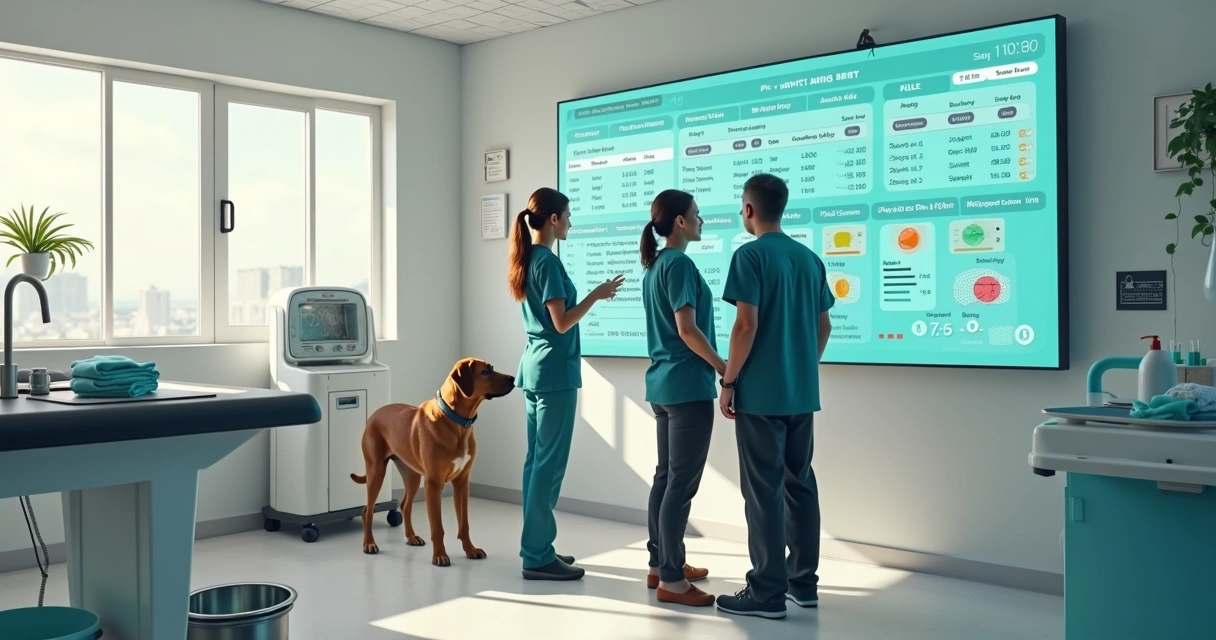
The final stage shapes the client’s last impression. A good service can feel messy if checkout is slow or unclear. I think pickup should be prepared before the owner arrives.
Front-desk teams should have:
- Final price ready with approved add-ons
- Service notes saved in the pet file
- Retail suggestions tied to coat or skin needs
- Rebooking suggestion based on breed and coat growth
Checkout should close the visit, update the record, and prepare the next appointment.
For daycare and boarding businesses, this same step can include linking charges across services so the owner gets one clean invoice. That is much easier with a single platform than with separate tools patched together.
Common pitfalls that slow the day
In my experience, these are the most common workflow problems:
- Double-booking large or high-maintenance dogs
- Missing consent for de-matting fees or extra time
- Unclear service notes between repeat visits
- No live status updates for the front desk
- Late pickups that block cage or table space
The fix is usually not harder work. It is clearer systems. Short checklists, shared records, and real-time appointment tracking do a lot of the heavy lifting.
Conclusion
A grooming workflow guide works best when it turns daily chaos into a repeatable rhythm. From intake and booking to pet records, grooming steps, team assignment, and payment, each phase should support the next. I believe the biggest gains come from clear communication, digital records, and one shared view of the day.
If you want a better way to run your pet salon, daycare, or boarding business, I recommend getting to know Buddyz and seeing how one connected platform can help you manage appointments, pets, staff, payments, and growth with less friction.
Frequently asked questions
What is a grooming workflow guide?
A grooming workflow guide is a step-by-step system for handling pet grooming services from first contact to final checkout. It usually covers intake, scheduling, pet records, grooming tasks, staff coordination, payment, and follow-up.
How do I set up a grooming workflow?
I would start by mapping each stage of the client journey. Define intake questions, create standard service types, set time estimates, build checklists for check-in and grooming, assign staff rules, and use a digital platform to track every step. Then review where delays or errors happen and adjust the process.
What steps are in a pet grooming process?
The main steps are client intake, appointment booking, pet check-in, service confirmation, grooming procedure, status updates, final quality check, payment, and rebooking. Some businesses also add daycare or boarding links when services overlap.
How can I improve salon efficiency?
You can improve salon flow by standardizing service packages, keeping digital pet records, giving staff clear assignments, and updating appointment status in real time. I have found that fewer manual handoffs usually lead to faster service and fewer mistakes.
What tools are needed for pet salons?
Pet salons need grooming tools, bathing and drying equipment, safe restraints, cleaning supplies, and business software for scheduling, client communication, pet profiles, staff management, and payments. I think an integrated platform like Buddyz gives a stronger base than using disconnected tools for each task.